
Palm, the latest Open edX release (released today), introduces an enhanced Problem Editor to provide a smoother editing experience for Studio authors.
What has changed?
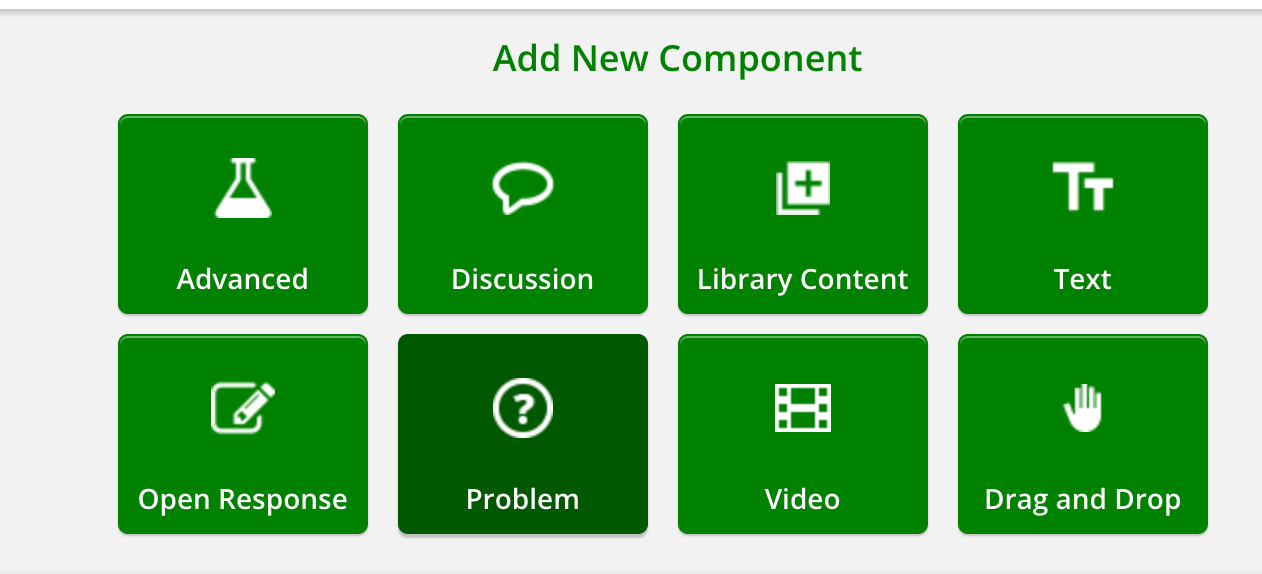
In Studio, selecting “Problem” from the component selection widget:
brings you to a full page where you can select which problem type you can use:
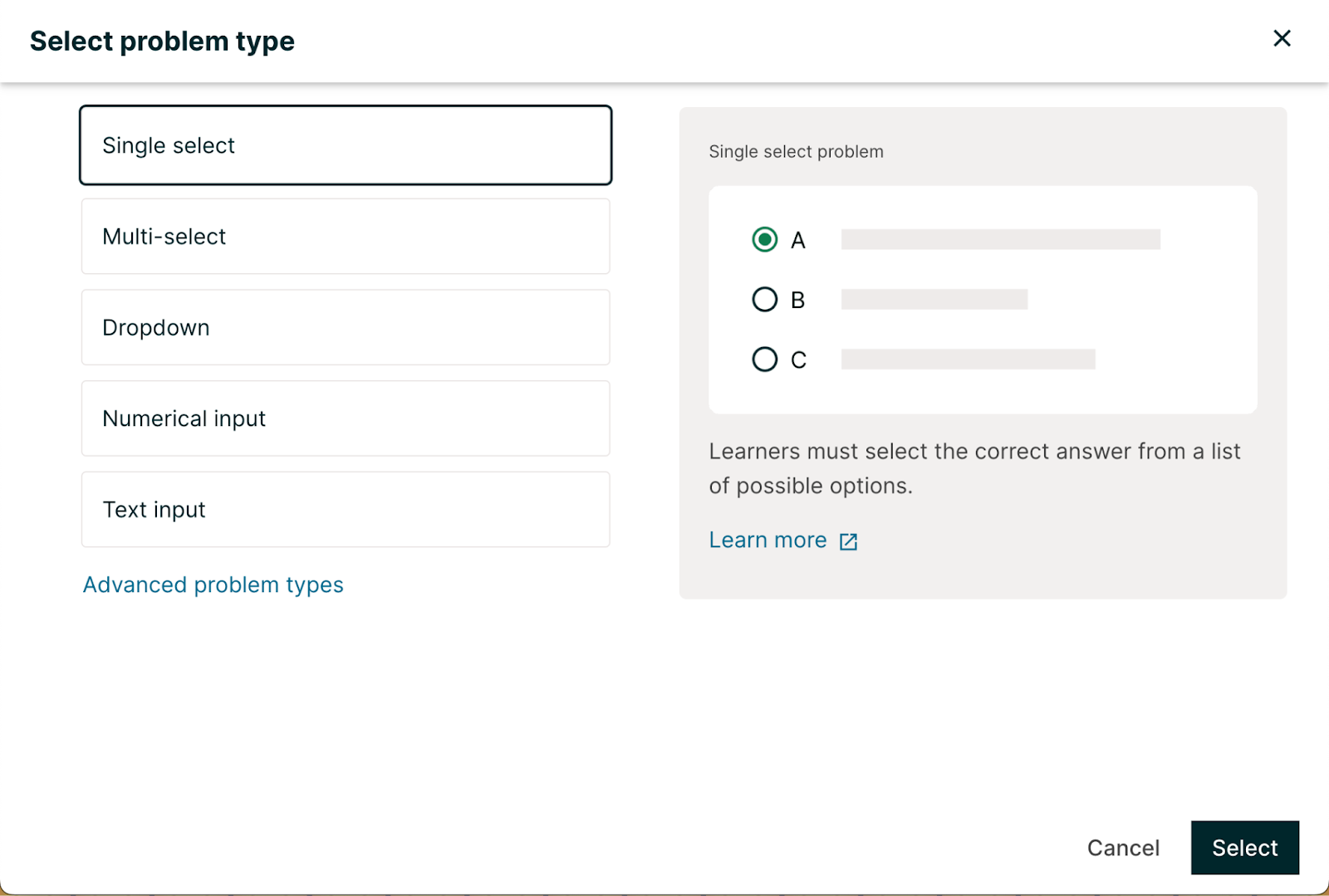
The right side of the page visually shows an example of what the problem type looks like, as well as a link to documentation.
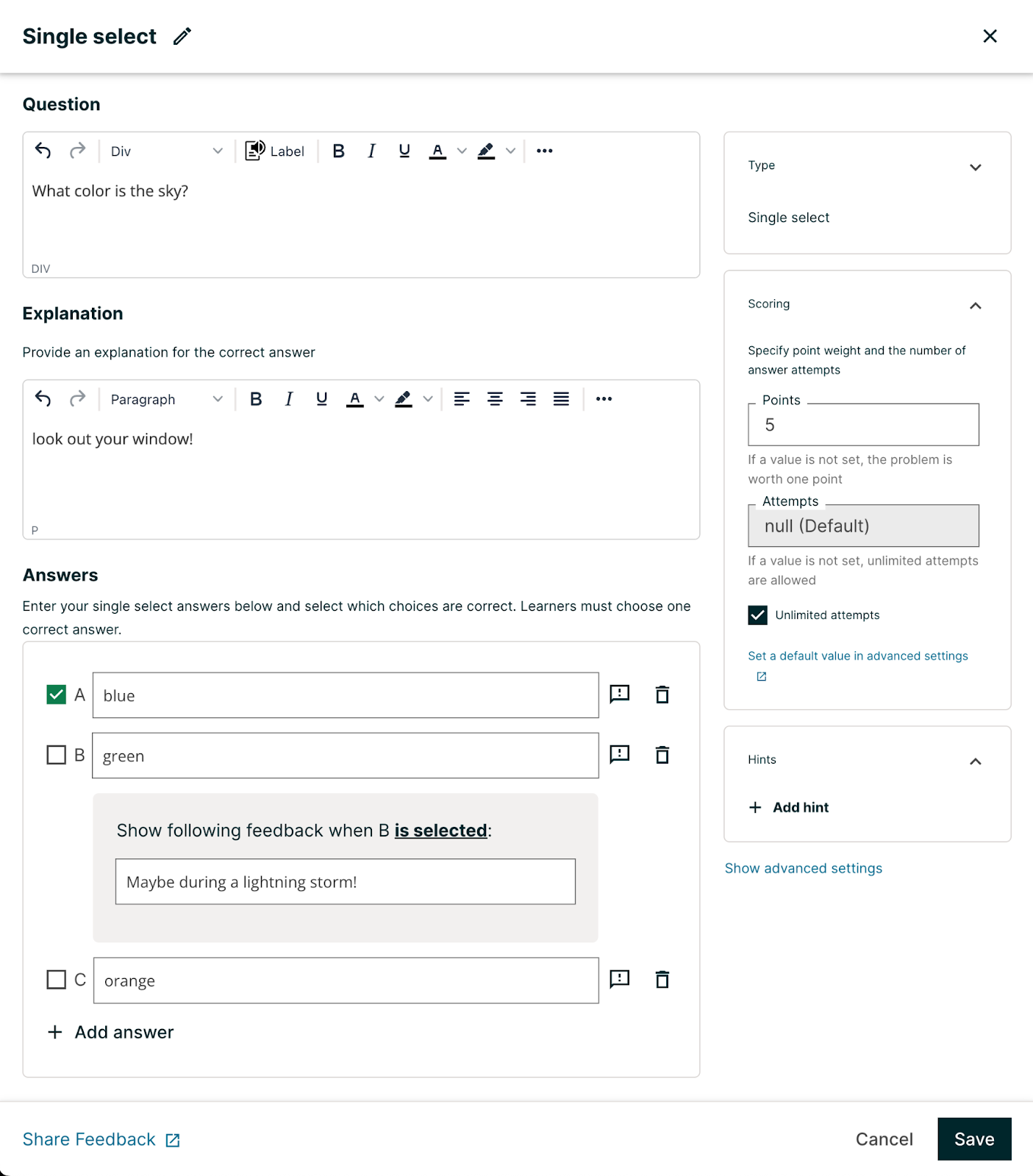
Selecting a problem type brings you to a full-page editing screen, where you can easily input the question, an explanation of the answer, the answer choices, scores & attempts, and hints.
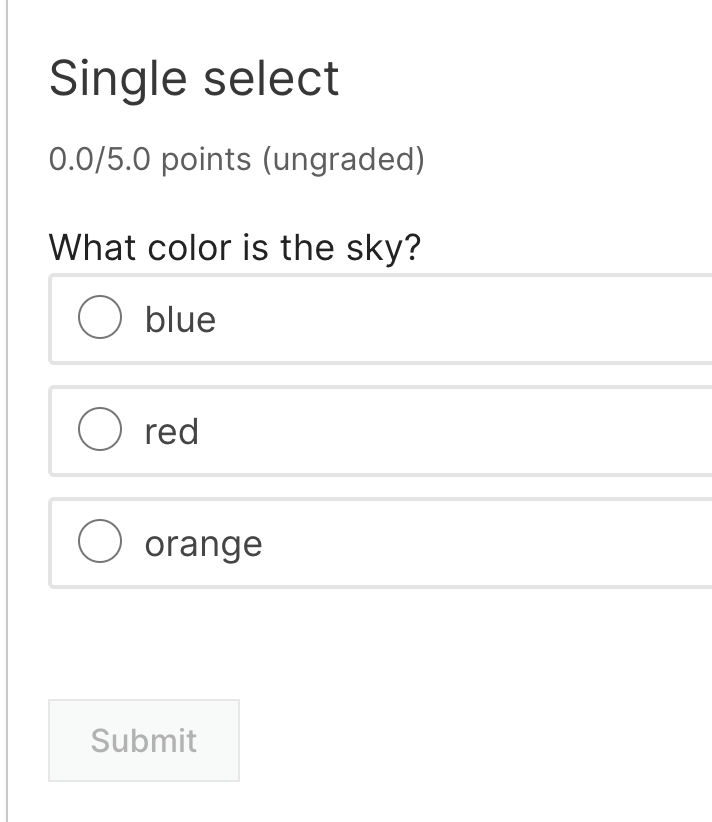
The problem renders in the LMS as usual:
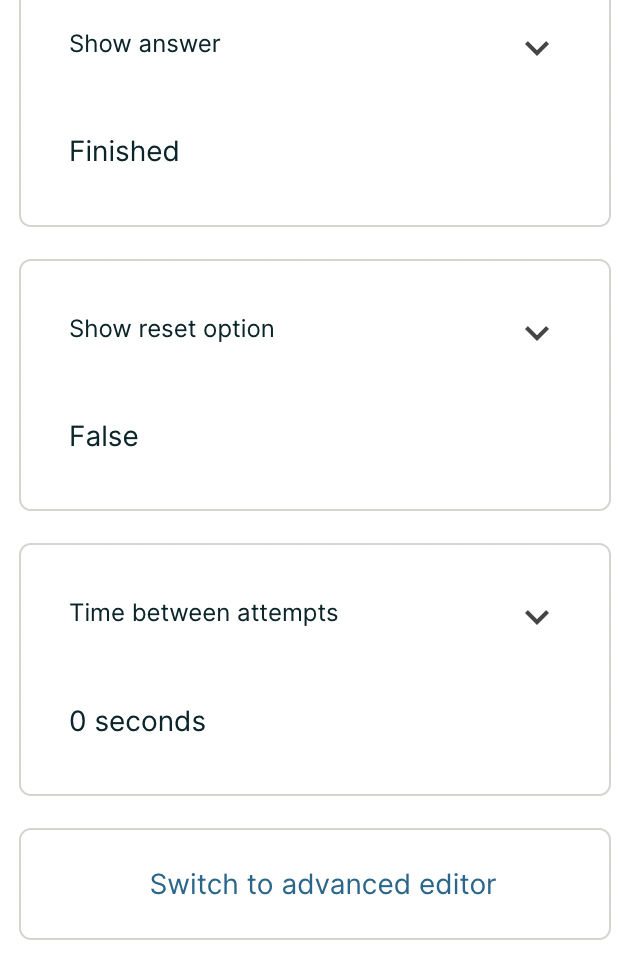
For authors who prefer to customize problems using OLX, the new editing experience retains this function by clicking on “Switch to Advanced Editor” (nested under “Advanced Settings” on the right sidebar). It’s worth noting that once a problem has been converted to OLX via the Advanced Editor, it’s not possible to revert to the Visual Editor.
For a description of all the visual editor capabilities, plus more on raw OLX editing, see the blog post about this topic.
Author Impact
Previously, the Problem Editor rendered in a small pop-up and required course authors to understand a technical language called Markdown to define problems. Changing the problem weight or maximum attempts required accessing a Settings menu.
With a new, full-screen editing experience that provides a visual editor that can be typed directly in without use of Markdown, course authors can focus on what they do best: authoring courses. With the settings displayed right next to the problem editor itself, authors do not need to switch between two screens to update problem weight and other settings.
Advanced Problems
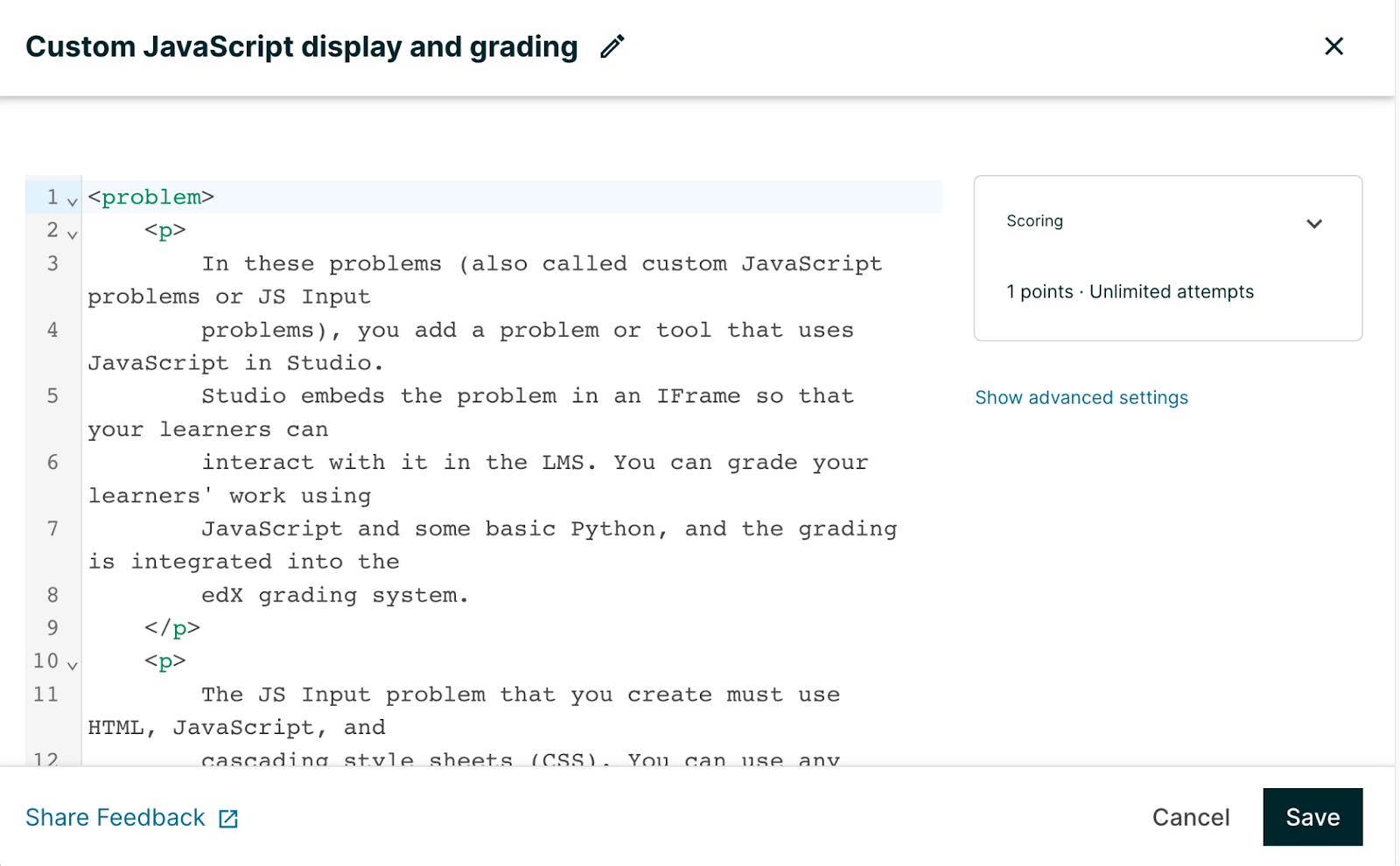
Advanced Problems also take advantage of the new full-screen editor. Selecting an advanced problem, such as Custom Javascript display and grading, brings you to a full screen display where you can edit the component in its raw form:
How can I get the new editor experience?
The editor experience is available as of the Open edX Palm release. Upgrading your local installation to Palm will guarantee that your system is up-to-date with the latest features, including this editor.
Once you’ve upgraded to Palm, you’ll need a system administrator to perform the following steps:
- Enable the Course Authoring MFE feature flag
- Add the new_core_editors.use_new_problem_editor waffleflag to the CMS Django
- Set the value of the waffleflag to “Yes” for everyone
